Dichotomous Key
AI 101
What is a Dichotomous Key?

Why do we care?
Single access keys are closely related to decision trees and binary search trees. However, to improve the usability and reliability of keys, many single-access keys incorporate reticulation, changing the tree structure into a directed acyclic graph. Single-access keys have been in use for several hundred years.
- They:
- Predate computers, yet
- Use state-of-the-art techniques in computing.
- We study them as a way to understand AI
Motivating Example
- I learned about dichtomous keys in biology class, and only realized the connection years later.
- In the spirit of good ole biology, a real science, we will study the example of “botanical classification of oaks.”
- Please under absolutely no circumstances ask me anything about biology.
- I do not know and will embarrass myself and may confuse or even horrify you.
- Biology is cool though!
The Key
- Basically, a key is a branching series of yes/no questions.
- The dichotomous key gets its name from having two (“di”) possibilities for any case
- “yes” and “no” or “true” and “false” or etc. etc.
- To classify an oak, there are a series of questions that a non-expert can answer by inspecting the tree, such as being looking at the whole tree or looking at its leaves.
- After answer a question, there is either a reference to a new question, usually by number, or a note that you have determined what the type of tree is.
Example
1. Leaves usually without teeth or lobes: 2
1. Leaves usually with teeth or lobes: 5

    2. Leaves evergreen: 3
    2. Leaves not evergreen: 4

3. Mature plant a large tree — Southern live oak Quercus virginiana
3. Mature plant a small shrub — Dwarf live oak Quercus minima

    4. Leaf narrow, about 4-6 times as long as broad — Willow oak Quercus phellos
    4. Leaf broad, about 2-3 times as long as broad — Shingle oak Quercus imbricaria

5. Lobes or teeth bristle-tipped: 6
5. Lobes or teeth rounded or blunt-pointed, no bristles: 7

    6. Leaves mostly with 3 lobes — Blackjack oak Quercus marilandica
    6. Leaves mostly with 7-9 lobes — Northern red oak Quercus rubra

7. Leaves with 5-9 deep lobes — White oak Quercus alba
7. Leaves with 21-27 shallow lobes — Swamp chestnut oak Quercus prinus
Visually
- You may have to zoom in…
Some oaks
- One problem with using pictures of oaks on the internet is that they usually named something like “I am this type of oak”.png (Portable Network Graphic - the type of image it is) and then when you ask Gemini what type of oak it is, Gemini just reads the name.
- Not to worry, I downloaded a bunch of pictures of oaks and changed their names.
- I have given them a temporary name and used “spoiler tags” to hide the actual name.
- For each tree, I provide an image of the tree and an image of leaves.
- All are sourced from Wikipedia and appropriately licensed, with the links to the host page in the key.
Key
Click “Details” to expand
| Nickname | Common Name | Scientific Name |
|---|---|---|
| A | Blackjack oak | Quercus marilandica |
| B | Dwarf live oak | Quercus minima |
| C | Northern red oak | Quercus rubra |
Oak A
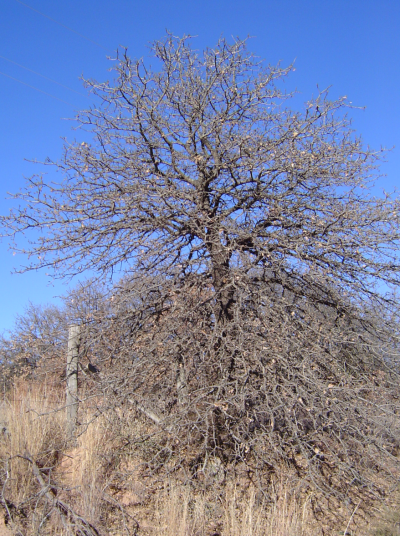
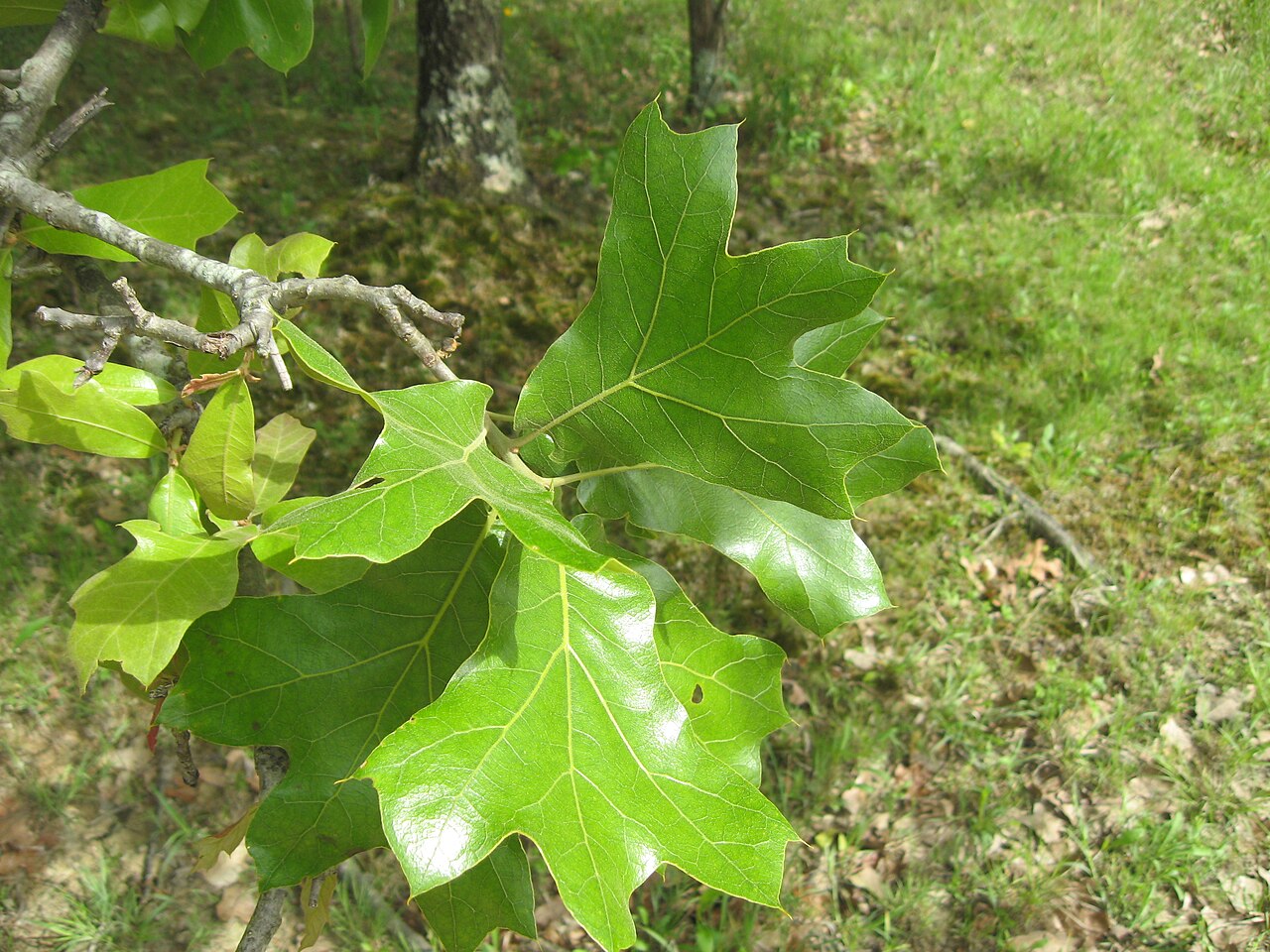
Oak B
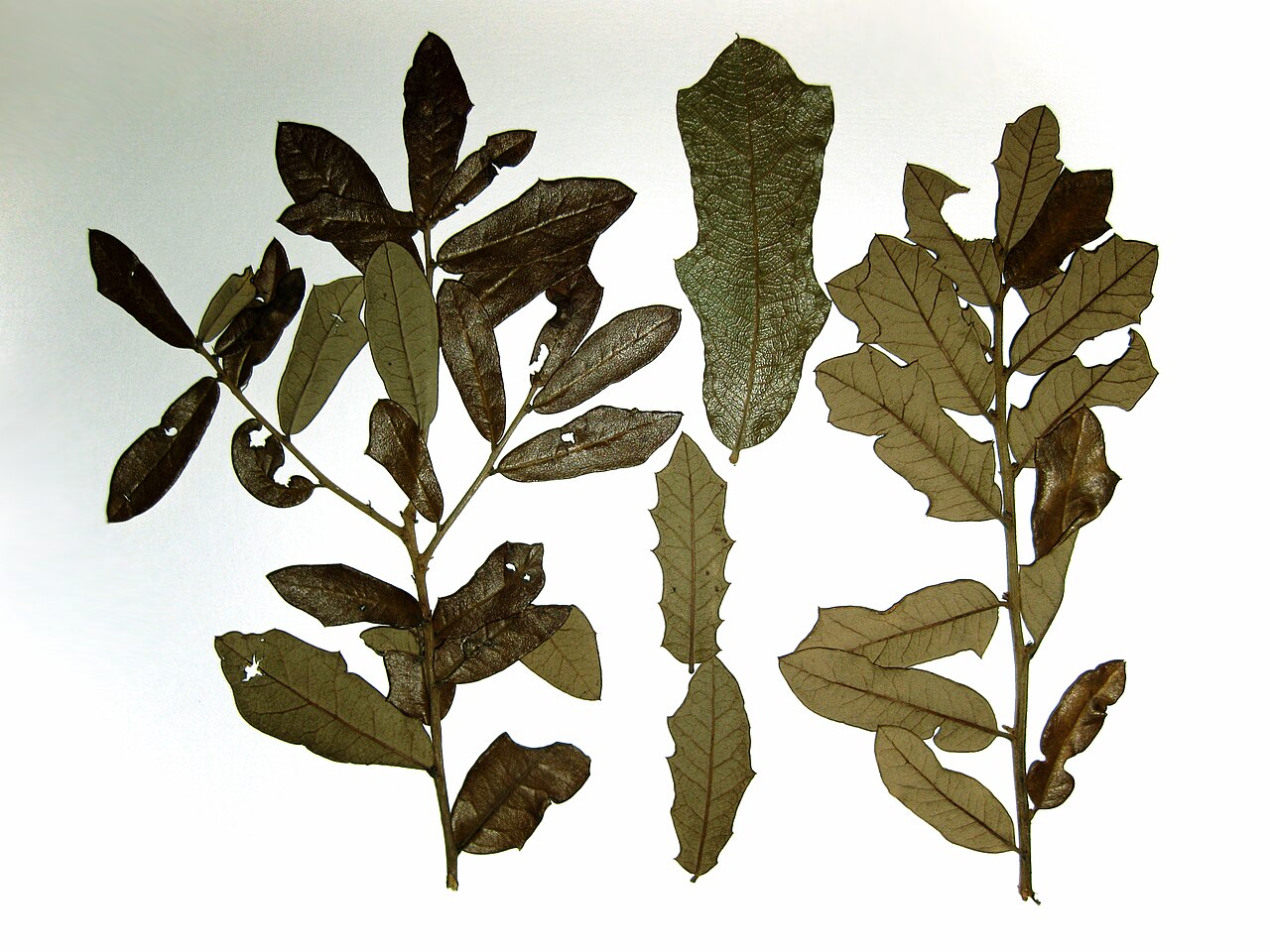
Oak C
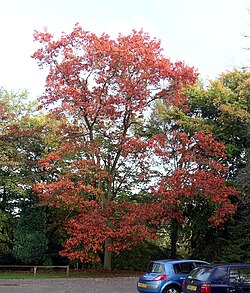
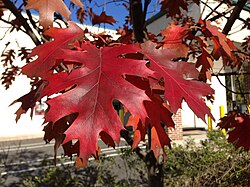
URLs
- I have the best luck with prompting Gemini when I provide images as a URL.
- Here are the URLs for the leaf and tree of Oak A, the others are similar.
Sorting Oaks
- Pick one of the three oaks, work through the key, then check your answer!
Take notes
- Create a “Lab02” Colab notebook (NOT a Google Document) in your AI Folder.
- Create a text cell in this Colab notebook.
- Record 140-280 characters worth of thoughts on working through the key - more if you have more thoughts.
Computer Vision
- Prof. Rachel Brown in the CS department is a computer vision researcher and helped develop this course!
- We will use the dichotomous key and Google Gemini to to classify oaks, from their images, as one of the 8 species in our key.
Your Task
- To implement our dichotomous key we will:
- Share images with Gemini
- Ask Gemini a question about the images.
- Based on the answer, either:
- Ask a new question, or
- Give a result, the classification of the tree.
Experimental Design
BEFORE classifying Oaks
- Write out all of your prompts that you will use.
- I wrote one each in a code cell, and used text cells to describe what each did.
- Determine how you will read responses.
- For example, what will you do if you get an answer other than “yes” or “no”?
- Can you you address this with different prompts?
- Set up all your code cells, possibly including cells that with URLs of the three trees.
WHILE classifying Oaks
- Take clear notes showing how you determine which code blocks to execute in which order.
- Ensure you are not doing the thinking for the code blocks!
AFTER classifying Oaks
- While you may iterate, only do so after completely classifying all oaks.
- You may wish to change prompts, for example, if errors are uncovered.
- You may have erroneous code blocks.
- You may mislabel some blocks.
- You do not need to iterate, but are welcome to do so to improve accuracy!
- In particular, I benefitted from changing phrasing around some querries to specify two options, and request a one word answer.
Conclusion
Once you have conducted all tests, in your “Lab02” Colab notebook answer the following questions at “social media post” length (150-300 characters). Answer each question at the end of the document, each in its own code cell.
Note
I am specifying a precise way I expect to receive see these questions. Think about why I am doing that and why it may be helpful to following these instructions!
- If Gemini correctly classifies the oaks, is this a sign of intelligence?
- Is classification of oaks a task that requires intelligence?
- Are there examples of classification that require “weak” vs. “strong” AI? You may wish to review slides from the first day of class!
- Is this task or the Turing Test a more robust measure of intelligence?
- Is your classifier more or less intelligent than a cat?
- Is your classifier more or less intelligent than an ecosystem?
- Is your classifier more or less intelligent than an assistant professor of computer science? I will note I do not know how to tell oaks apart.